How to Add a Link in Bio on TikTok (Step-by-Step Guide 2026)
What is a TikTok Link in Bio?
A TikTok Link in Bio is a clickable link placed in your TikTok profile.
It allows your followers to visit external pages such as:
-
your website
-
online store
-
product pages
-
YouTube channel
-
other social media profiles
Since TikTok usually allows only one link, many creators use a Link in Bio page to include multiple links in one place.
Why Add a Link in Bio on TikTok?
TikTok is one of the fastest-growing social media platforms in the world.
Adding a bio link can help you:
-
drive traffic to your website
-
promote products or services
-
grow your personal brand
-
increase online sales
Many influencers and businesses use this strategy to convert viewers into customers.
Requirements to Add a Link in Bio
To add a clickable link in your TikTok bio, your account must:
-
switch to a TikTok Business account
or -
have more than 1000 followers
Once you meet these requirements, the website field will appear in your profile settings.
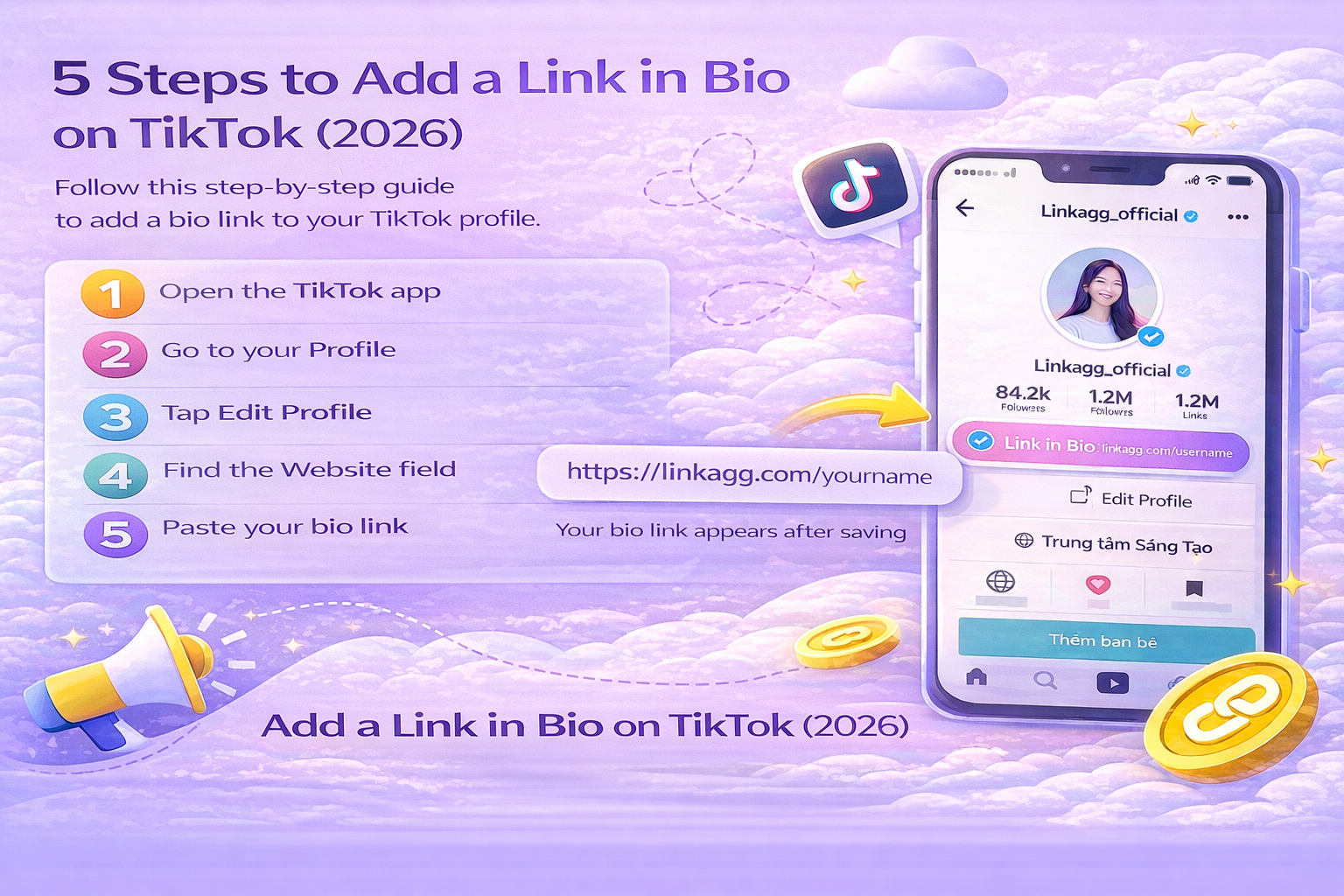
How to Add a Link in Bio on TikTok
Follow these simple steps:
Step 1
Open the TikTok app
Step 2
Go to your Profile
Step 3
Tap Edit Profile
Step 4
Find the Website field
Step 5
Paste your bio link
Example:
After saving, the link will appear on your TikTok profile.
Why Use a Link in Bio Page?
Using only one direct link limits what you can share.
A Link in Bio page allows you to include multiple destinations such as:
-
website
-
product pages
-
YouTube videos
-
Instagram profile
-
online store
This makes it easier for your followers to find everything in one place.
Create a Free Link in Bio Page
You can create a professional Link in Bio page using Linkagg.
With Linkagg you can:
-
add multiple links
-
customize your bio page
-
track link clicks
-
manage all links in one place
The setup only takes a few minutes.
Conclusion
Adding a Link in Bio on TikTok is a simple but powerful way to:
-
drive traffic from TikTok
-
promote your content
-
increase sales
-
grow your brand
You can start by creating a free Link in Bio page with Linkagg and sharing it on your TikTok profile.