How to Optimize Your Link in Bio to Increase Traffic from TikTok and Instagram
What is a Link in Bio?
A Link in Bio is the single link placed in your social media profile on platforms like TikTok, Instagram, YouTube, or Facebook.
Instead of sending users to just one page, you can create a landing page that contains multiple links such as:
-
Website
-
Products
-
Videos
-
Online store
-
Other social media profiles
Tools like Linkagg allow you to build a professional Link in Bio page within minutes.
Why Optimize Your Link in Bio?
A simple link in your profile is often not enough.
An optimized Link in Bio page helps you:
-
increase website traffic
-
improve conversions
-
promote your personal brand
-
manage multiple links in one place
That’s why creators and businesses widely use bio link tools.
5 Ways to Optimize Your Link in Bio
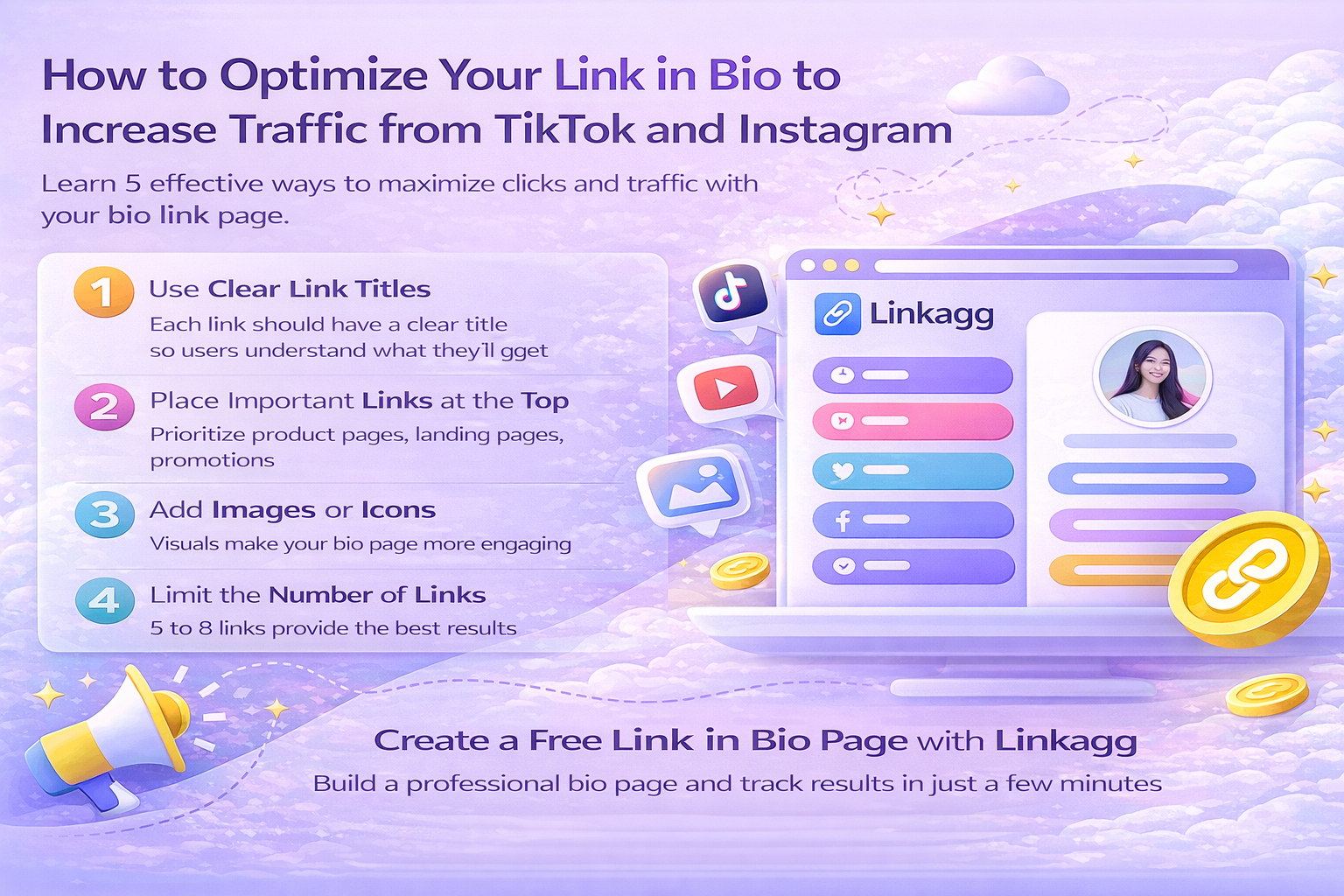
1. Use clear link titles
Each link should have a clear title so users understand what they will get.
Example:
-
Shop Now
-
Watch Latest Video
-
Visit Official Website
2. Place important links at the top
The first link usually gets the highest click rate.
Put your:
-
product page
-
landing page
-
promotions
at the top.
3. Add images or icons
Visual elements make your bio page more engaging.
4. Limit the number of links
Too many links can confuse users.
A good range is 5 to 8 links.
5. Track link performance
Tools like Linkagg provide analytics such as:
-
click counts
-
traffic sources
-
link performance
This helps you improve your marketing strategy.