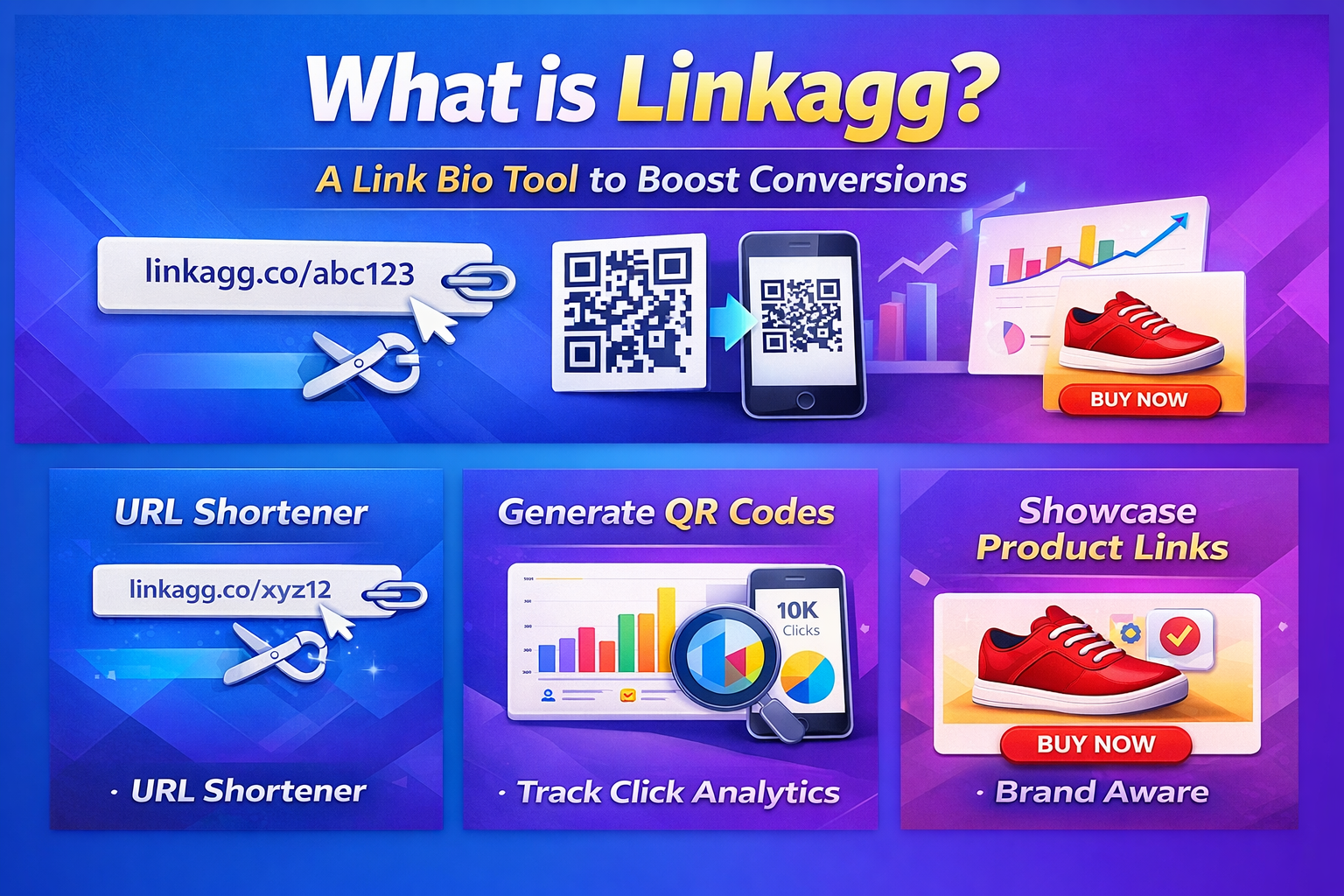
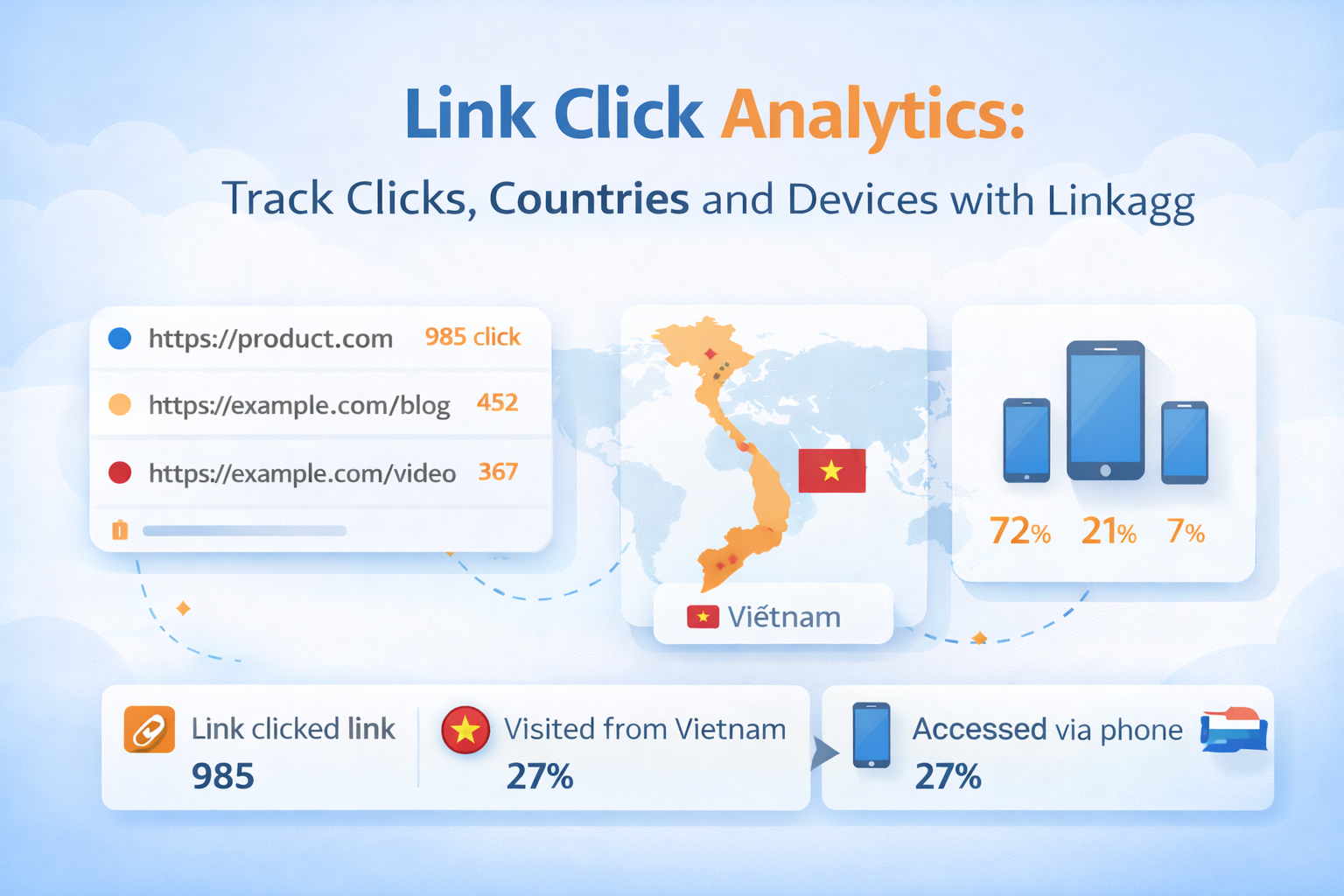
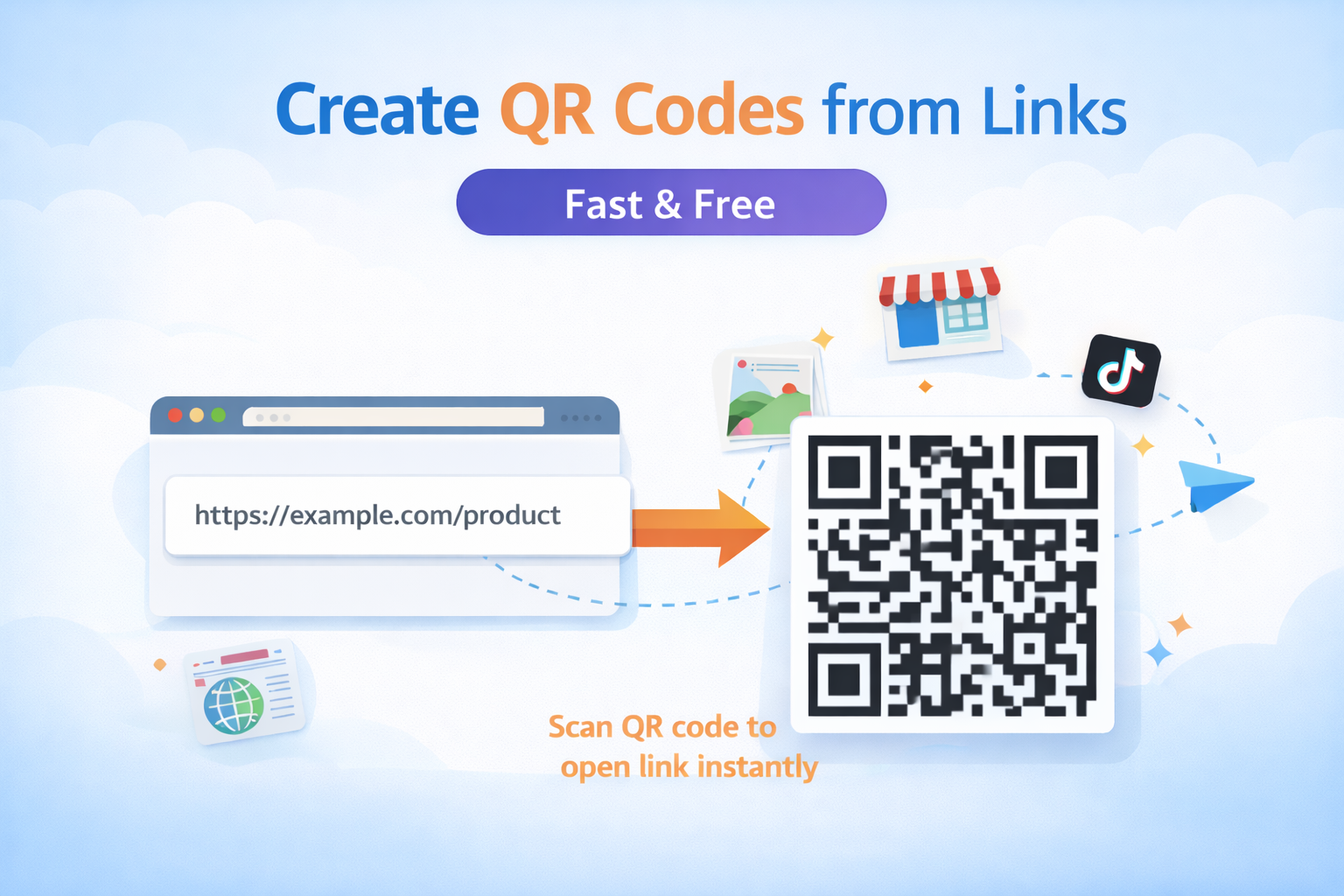
How to Create a Free Link in Bio Page for TikTok and Instagram
What is Link in Bio?
A Link in Bio page allows you to share multiple links using a single link in your social media bio.
You can include links to:
-
Your website
-
Online store
-
TikTok
-
Instagram
-
YouTube
-
Facebook
Instead of placing only one link, a Link in Bio page lets you organize all your links in one place.
Why Use a Link in Bio Tool?
Platforms like TikTok and Instagram allow only one link in your profile bio.
If you want to share:
-
multiple websites
-
products
-
videos
-
social media profiles
a Link in Bio page is the perfect solution.
Benefits include:
-
Share multiple links in one page
-
Increase website traffic
-
Promote products easily
-
Build a professional online presence
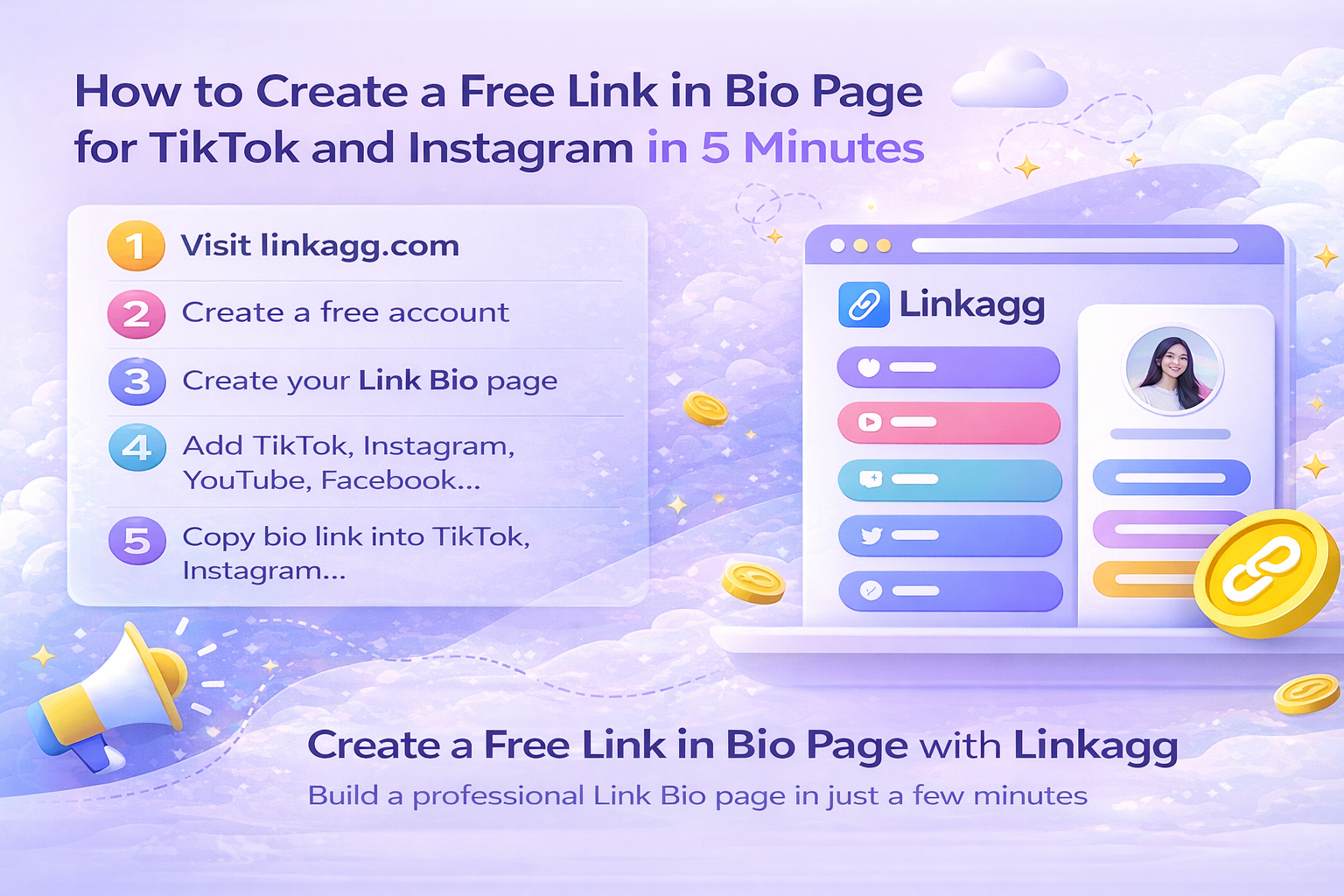
How to Create a Link in Bio Page with Linkagg
You can create your page in just a few minutes.
Step 1
Visit
Step 2
Create a free account.
Step 3
Create your Link Bio page.
Step 4
Add your links:
-
TikTok
-
Instagram
-
Website
-
Online shop
-
YouTube
Step 5
Copy your bio link and place it in:
-
TikTok bio
-
Instagram bio
-
Facebook
-
YouTube
Who Should Use Link in Bio?
Link in Bio is perfect for:
-
Online sellers
-
Content creators
-
Influencers
-
Businesses
-
Freelancers
Conclusion
A Link in Bio page helps you share multiple links with one single bio link.
If you need a free and simple tool, try Linkagg to create your Link Bio page quickly.